Loading
New app: Ephyra
Abstract for new app inclusion
Ephyra is a Jellyfin client for Android phones, tablets and Android TV. It is a fork of Findroid (dev.jdtech.jellyfin, already in F-Droid) under the same licence, GPL-3.0-only, and installs next to it under its own application ID. It needs a Jellyfin server and Android 10 or newer.
Findroid's changes are merged in regularly. What Ephyra adds on top:
Downloads that work offline for real
| Downloads with a storage breakdown | Progress per episode | A quality per download |
|---|---|---|
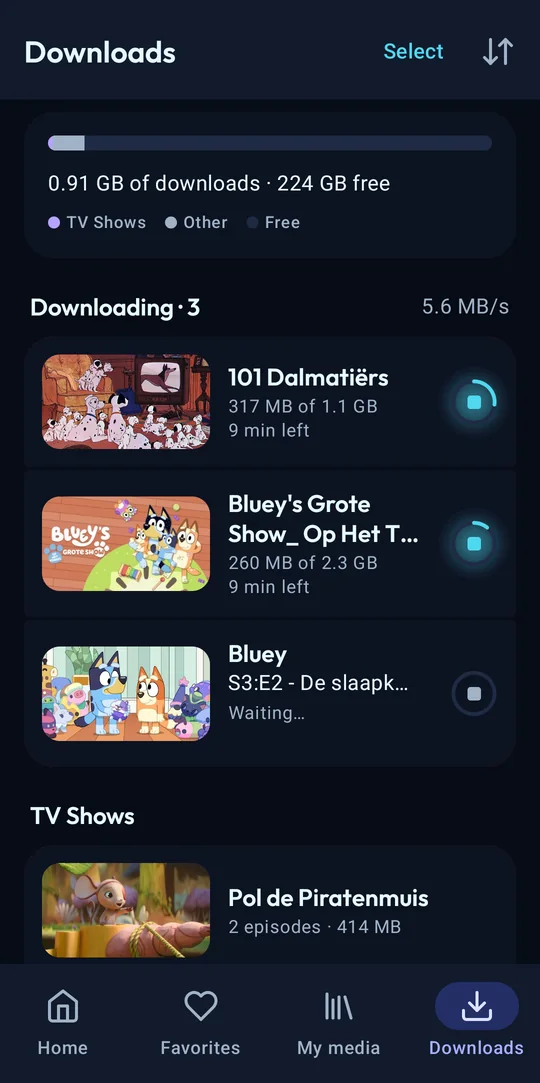 |
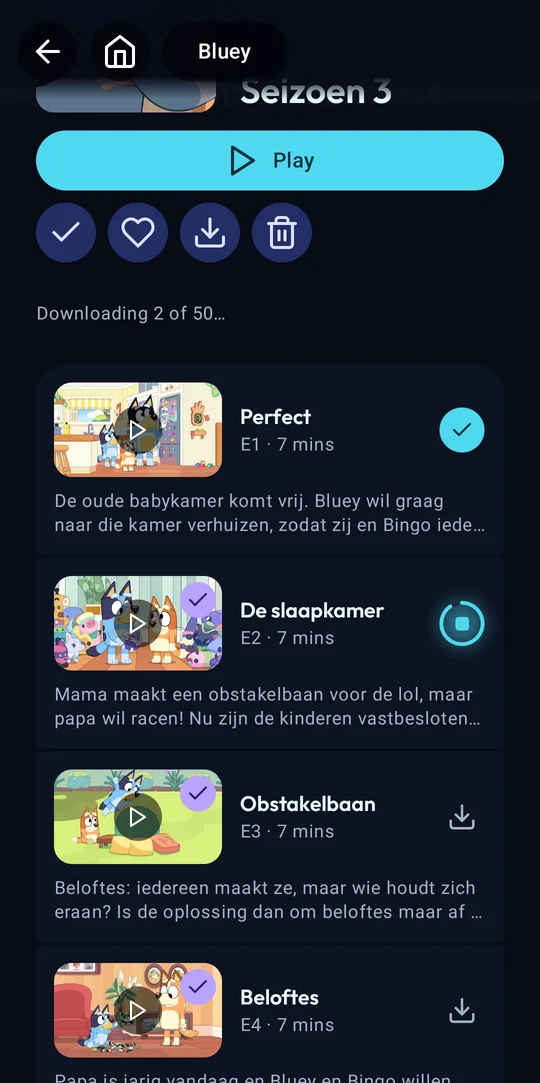 |
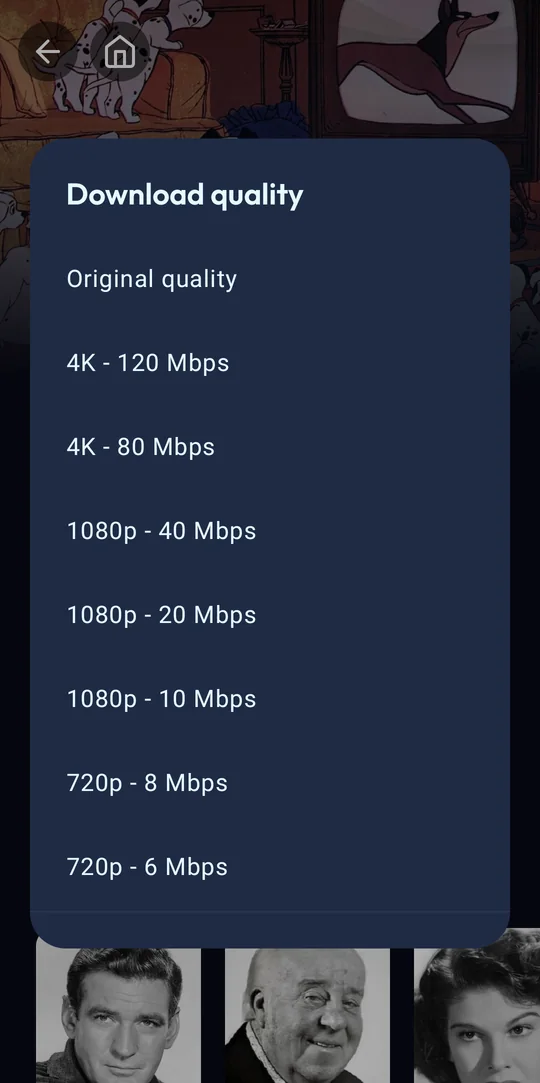 |
- Resumable downloads on internal storage or an SD card, built on OkHttp instead of Android's DownloadManager.
- Whole seasons or series at once, in the original quality or a smaller server conversion.
- Offline mode switches on by itself without a connection.
Playback
| Home | Subtitle styling with a live preview |
|---|---|
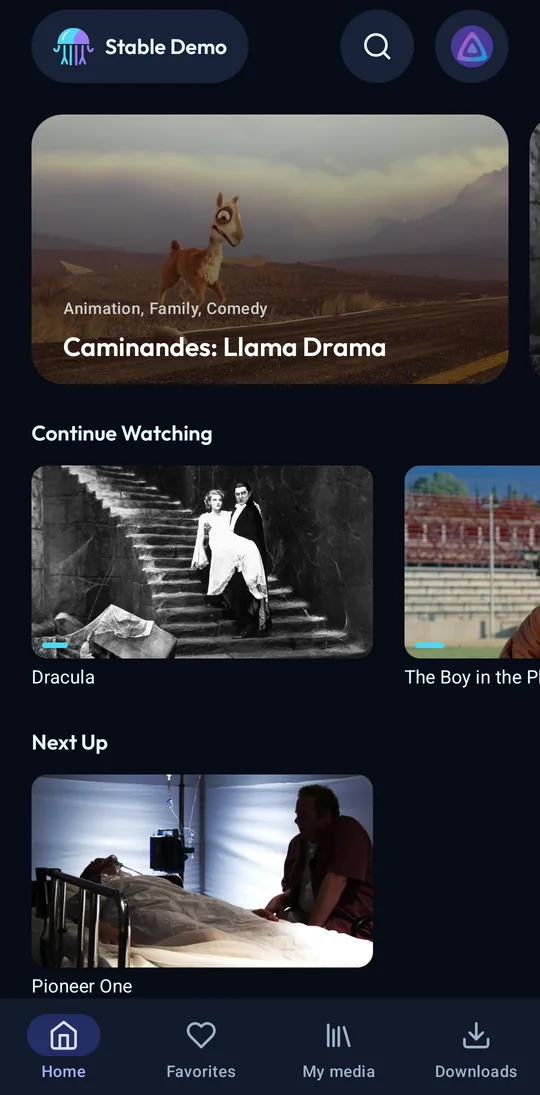 |
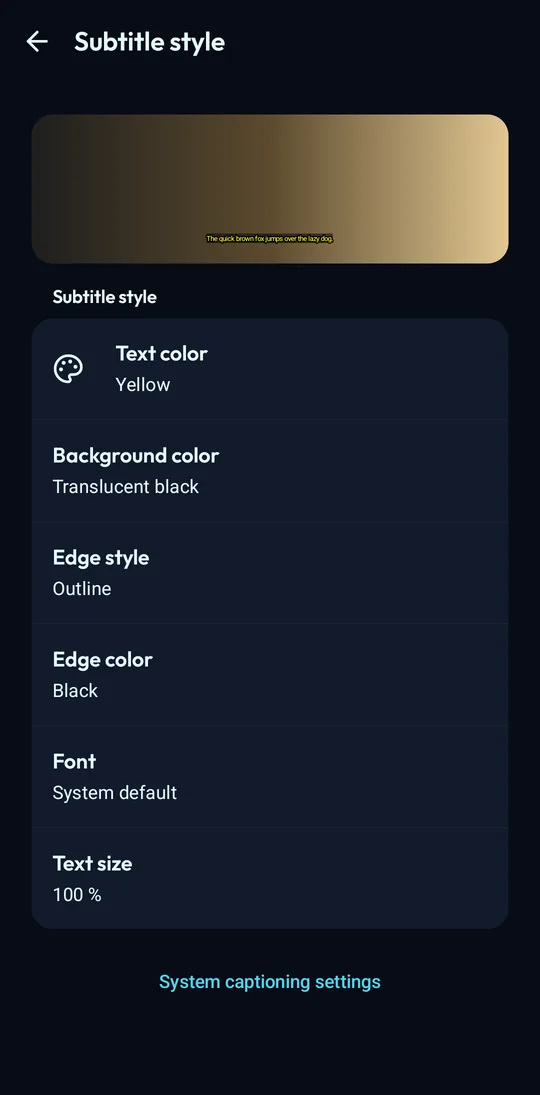 |
- ExoPlayer and mpv. Dolby Vision direct play where the device supports it, PGS, VobSub and DVB subtitles without transcoding.
- Audio and subtitle choice remembered per series. Chapters, skip intro and credits, sleep timer, "Up next" card.
- Profiles with one-tap switching and an optional PIN that stays on the device.
Tablets and foldables
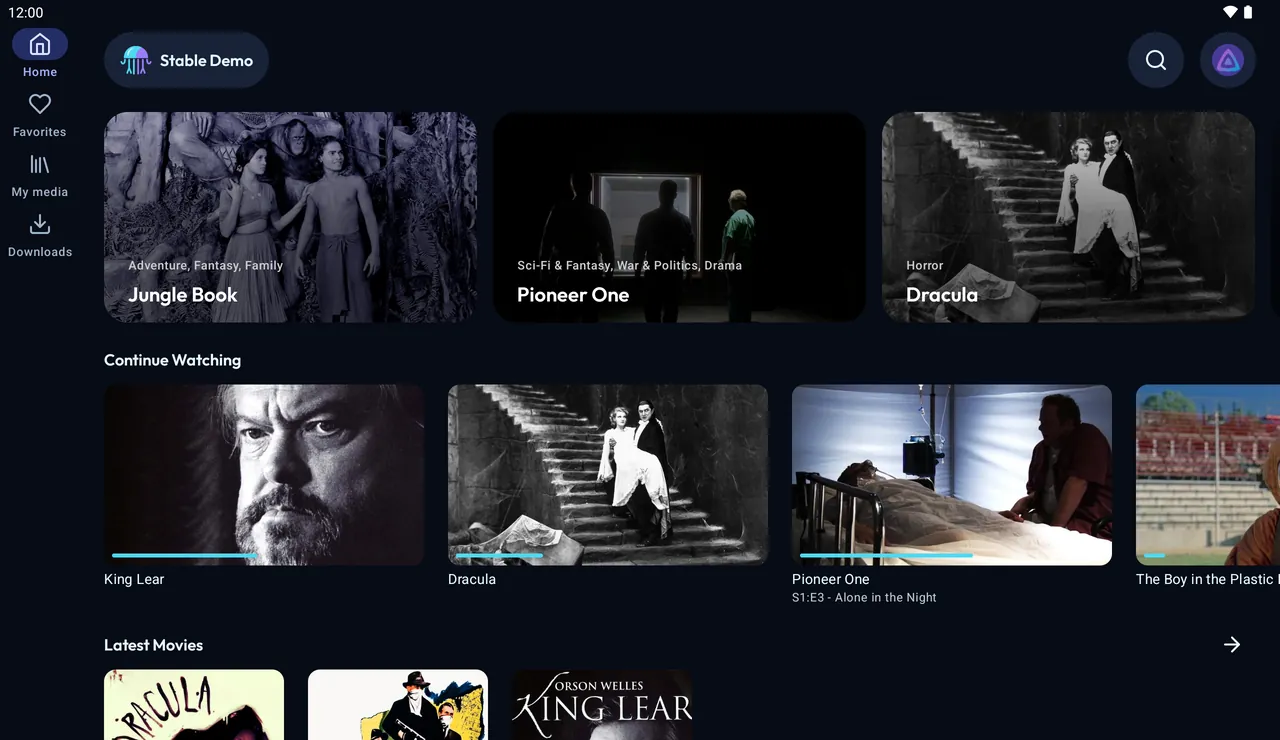
| Home with a navigation rail | Season as list and detail |
|---|---|
 |
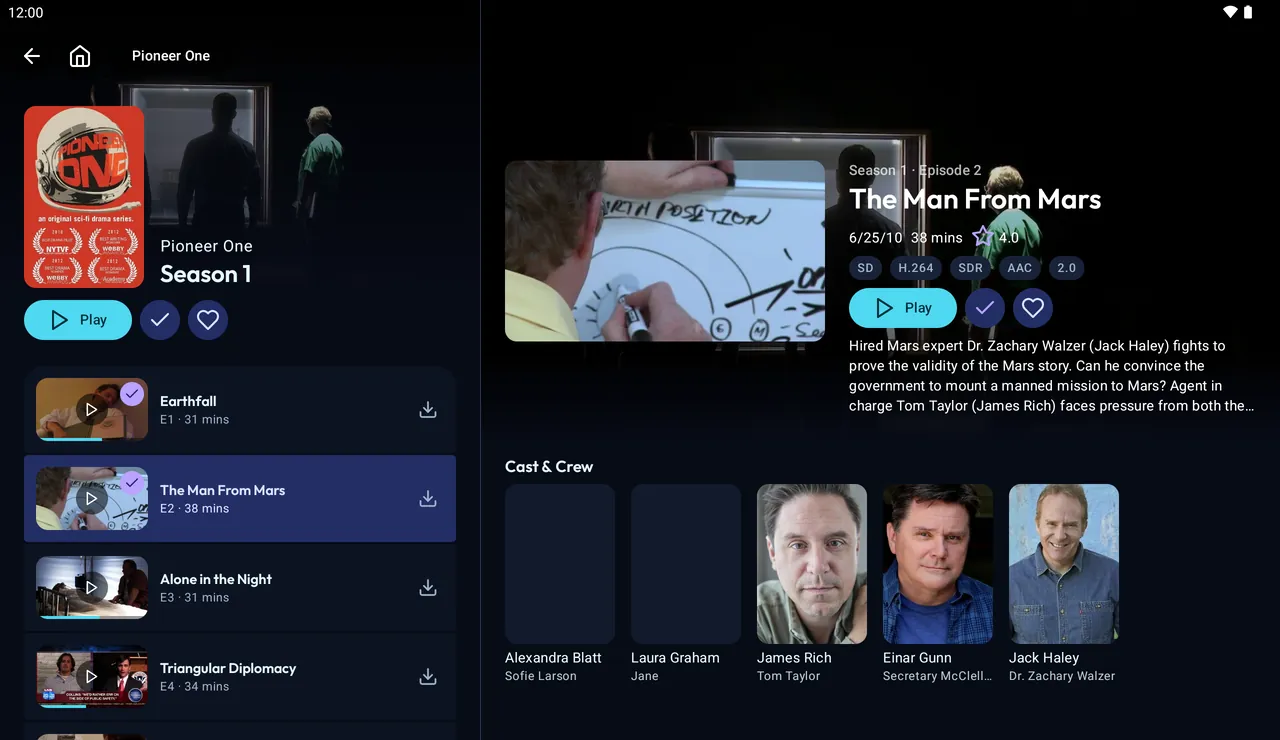 |
The same APK lays itself out for the window: navigation rail, list and detail side by side, an episode panel in the player, keyboard and mouse support.
Android TV
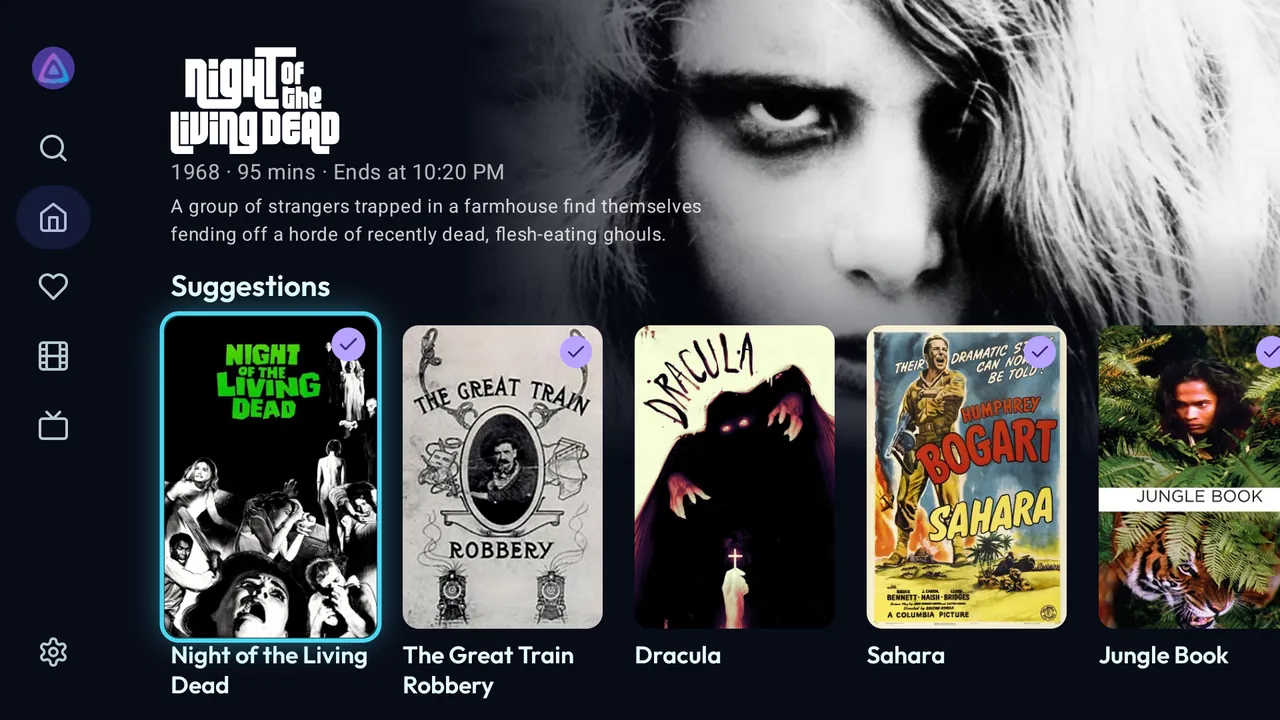
| Home | Player |
|---|---|
 |
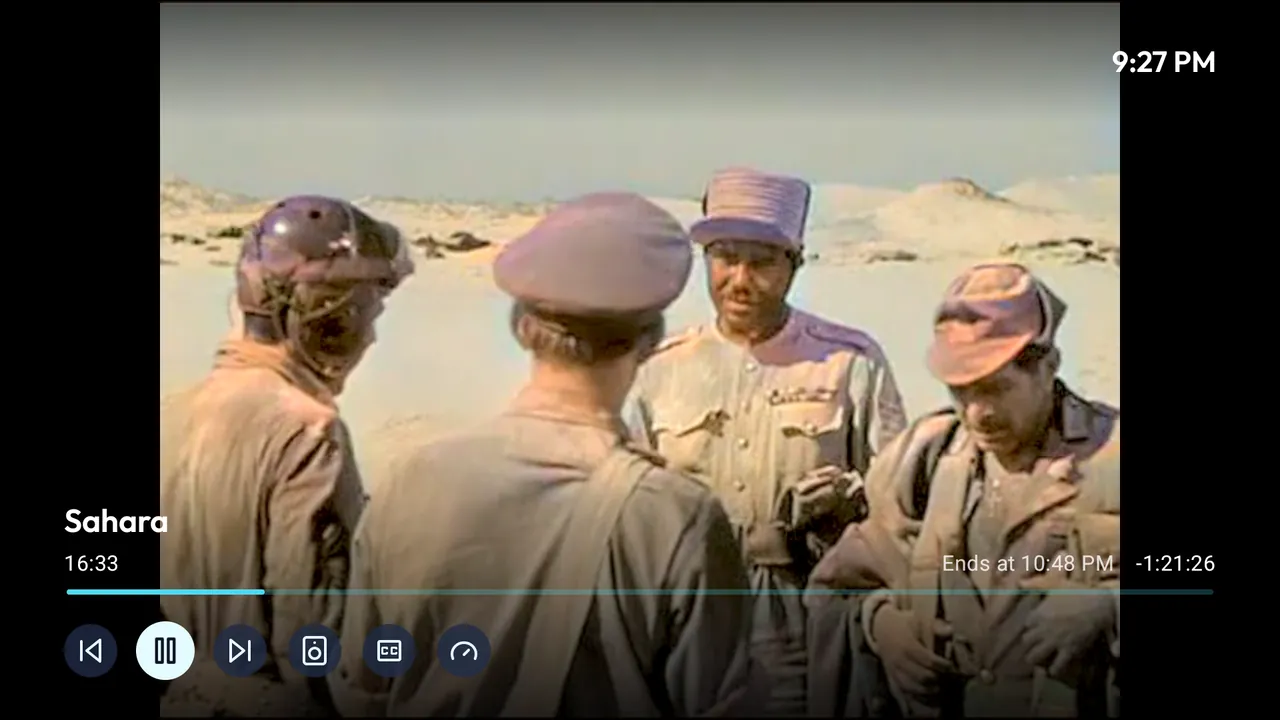 |
A separate interface built for the remote, with refresh rate switching and the Watch Next row. It is not part of this MR, see below.
Full feature list: README.
Notes for the reviewer
- Free software only. One flavour (
libre). No Google Play services, Firebase, analytics or crash reporting. The app talks only to the Jellyfin servers the user adds. - Reproducible build.
Binariespoints at my signed APK on GitHub Releases andAllowedAPKSigningKeysis set. Thefdroid buildjob rebuilds v2.4.0 and matches that APK: pipeline 3049007979. v2.3.0 did not match, because the build downloaded licence texts for the in-app licence list and one download had failed in my release build. Since v2.4.0 the list is built from files in the repository (ephyra#364). - What this MR builds. The
arm64-v8aAPK of the phone and tablet app,app/phone. The Android TV app shares the application ID with versionCode + 1 and is left out here. - Updates. Releases are tags
vX.Y.Z.UpdateCheckDatareads the version name and code frombuildSrc/src/main/kotlin/EphyraVersion.kt, andAutoUpdateModeisVersion. - Metadata. Fastlane structure in
fastlane/metadata/android: title, descriptions, changelogs, icon and screenshots foren-US. - Contact. Issue tracker, or the address in
AuthorEmail.
Checklist
Policy
- The app complies with the inclusion policy. Pay special attention to Quality point 6.
- The original app author has been notified (and does not oppose the inclusion). If you are not the author, please paste the link of the reply from the author.
- The upstream app source code repo contains the app metadata in a Fastlane or Triple-T folder structure. The summary and description must be included and images, icon, and changelog should also be provided for better user experience. The en-US locale must be included.
Docs
- Please read the guide first if this is your first contribution.
- Please make sure your metadata follows the best practice in our templates.
- Please read the Build Metadata Reference and make sure your metadata is valid.
- Please read the Quick Start Guide.
Merge Request Setup
- The title of this merge request should follow "New app: app name" format.
- Please make sure your fdroiddata fork is public and your branch is not protected. See https://docs.gitlab.com/user/project/repository/branches/protected/.
- Please read our Git guide if you don't know how to rebase your branch. Don't rebase your branch if there is no conflict.
- All related fdroiddata and RFP issues have been referenced in this merge request
- Please only submit one app in one MR.
Metadata
- Metadata must be put in
metadata/<applicationId>.yml. - Metadata must be a valid YAML file.
- Metadata must use LF as line ending.
- Don't add summary/description/changelog/images or anything that should be provided in upstream repo. Please check the Changes tab to make sure there is no other unrelated files added in the MR.
- Releases are tagged and auto update is enabled unless there is a special reason.
- There is an issue tracker and contact info of the author so that we can report bugs and contact the author.
- An AuthorName must be added. It doesn't need to be the real name.
- External repos are added as git submodules instead of srclibs. You can update git submodules without opening an MR in this repo and the submodule is covered by our scanner.
- Enable Reproducible Builds. We'll use your signature for improved security/reliability, also allowing users to switch between different channels. Do note that if you don't enable reproducible build then the apk will be signed with our key so you can't enable it later. If you can't enable this, please add the reasons here.
- Setup abi split if the APK is large and the splitted ones can be much smaller.
- Only the latest versions should be kept in the metadata before it's merged. If you update the metadata, please replace the old versions with the new ones.
- Don't add any disabled versions in the metadata.
- The commit field should be the full hash. Please don't use tag or branch in commit.
Pipeline
- All pipelines should pass.
- All warnings and errors in the Reports tab should be fixed or explained.
- F-Droid CI runners are under GitLab's FOSS program, so there's no need for you to pay for any CI time. If Gitlab starts asking for phone numbers or credit cards don't submit anything, just leave a note in the MR so we know we need to trigger the CI. /label New App
Edited by Midas van Oene